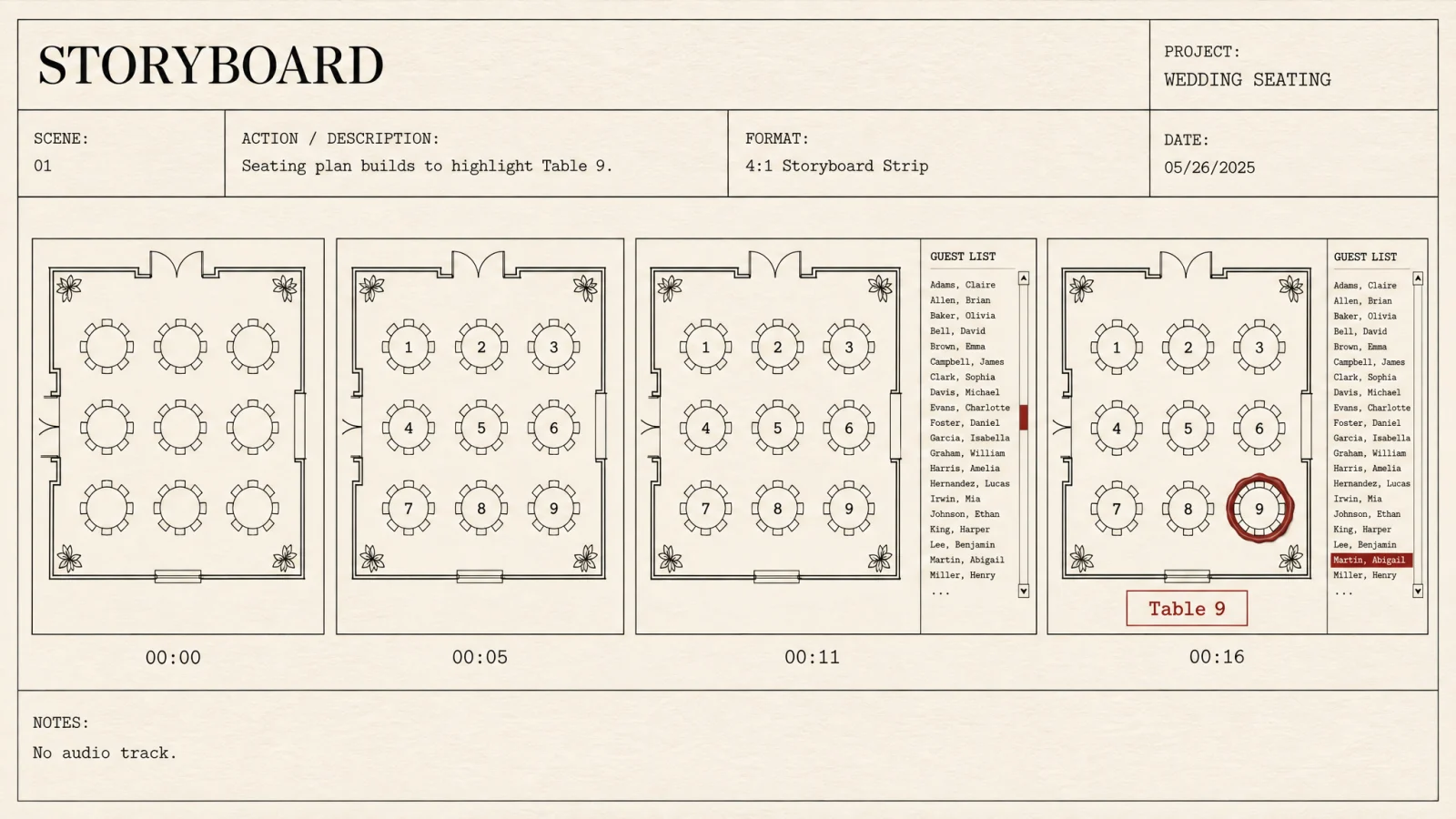
A loop for the screen at the door, with the sound off.
One job: help a room of people find their table without a queue forming at a paper chart. The plan appears, the table numbers come up, the names roll through in alphabetical order, and the table lights up. Then it starts again.
- Length
- 10 to 20 seconds
- Ratios
- 16:9 · 9:16 · 1:1
- Audio
- None, by design
- Plan
- Venue only
- Personal clips
- Deleted after 7 days
- Delivery
- You share it, not us
The room already has music.
A venue screen sits inside a space with its own sound. A second audio source is noise, and licensed music on a wedding video is a rights problem nobody needs. So there is no audio track in the file at all.
The same guide, turned upright.
Sent ahead of the day, the vertical version does the job the printed chart cannot: it travels with the person who needs it.
- 16:9 for the screen at the entrance
- 9:16 for sharing to a phone
- 1:1 where a square is what the platform wants
- Every ratio rendered from the same plan, not cropped from one
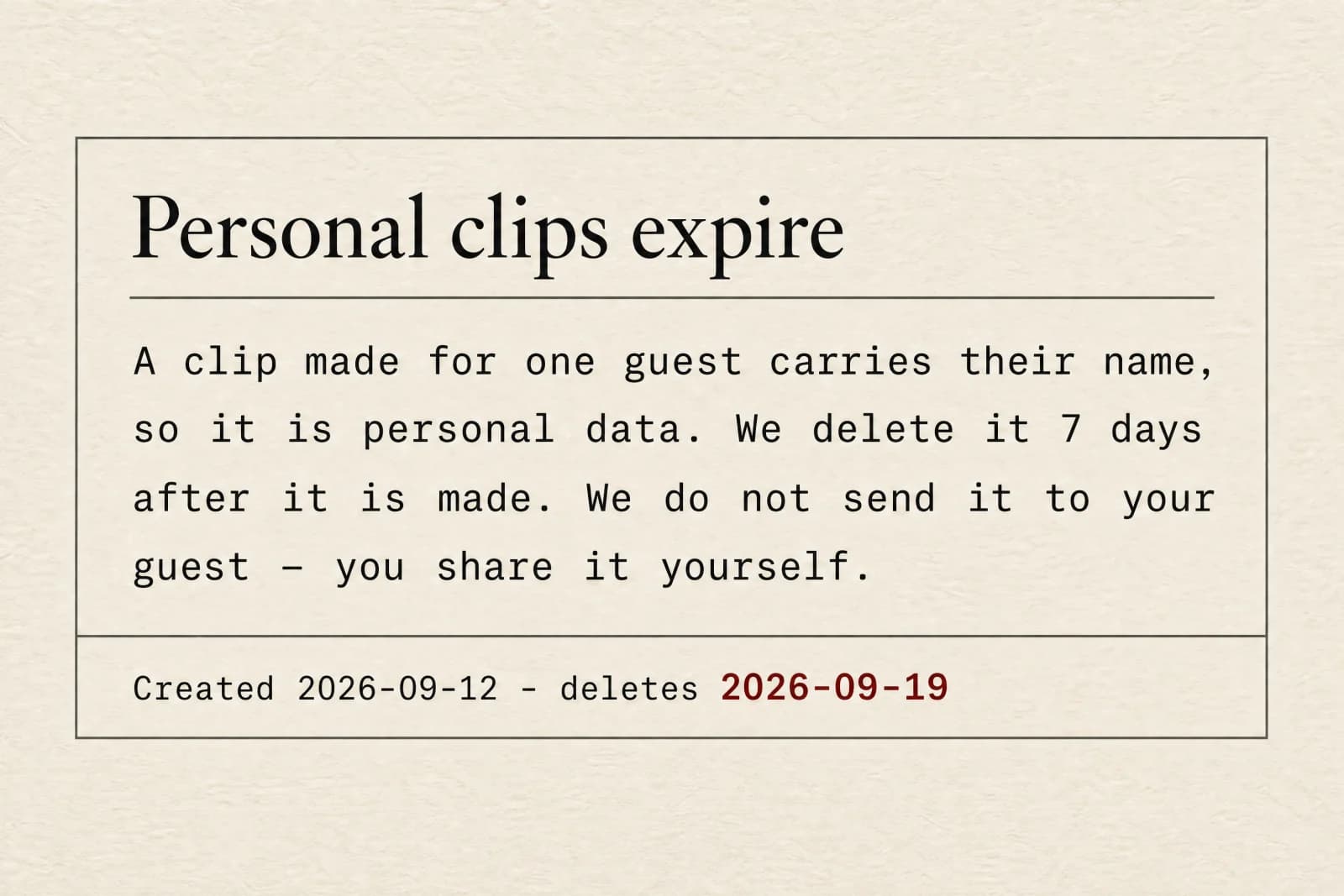
A clip with someone's name on it is their data.
You can generate a short clip for one guest — their name, their table, the route from the door. It is useful, and it is also personal data about a person who never signed up here, so it comes with two rules that are not negotiable.
- Deleted after 7 days
Every single-guest clip carries a deletion timestamp set at creation. Nothing extends it, including a Venue plan.
- We never send it
There is no field for a guest's phone number or email, and no send button. You download it and share it yourself, or you do not.
- Generated one at a time
There is no bulk generation of personal clips for a whole list. Each one is a deliberate act.